How we work
No secrets: how your emails get to the new inbox
You are trusting us with your mailbox. So we show openly what happens, step by step, and what we do when something gets stuck.
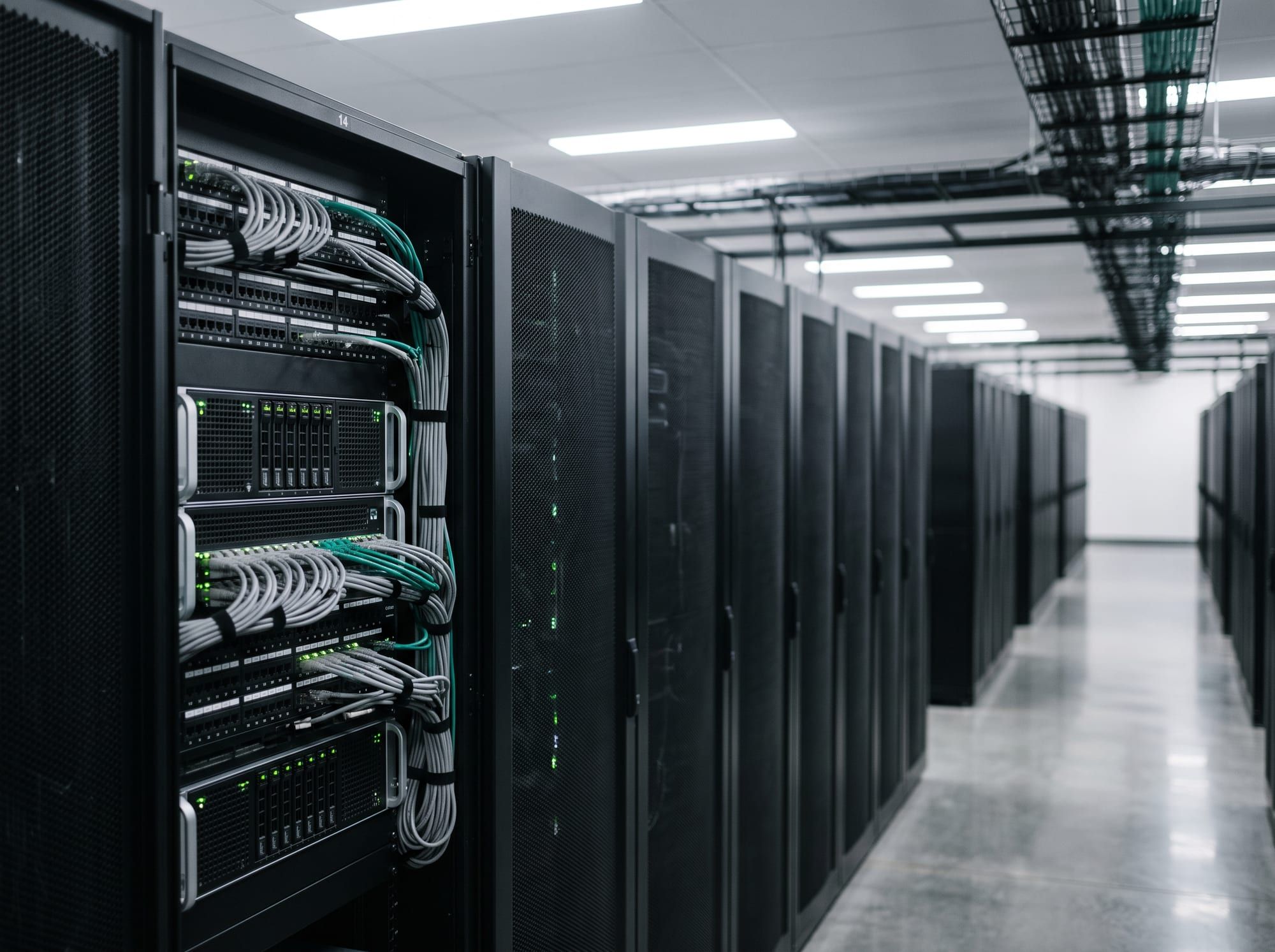
The path your emails take
Old mailbox
Only read, nothing is changed
Mailovo server
Data centre in Nuremberg. Only passes through, stores no email
New mailbox
Folders as you know them, nothing twice
Your login details are kept AES-256 encrypted in a vault and deleted after the move.
The process
Check
We detect your provider, test the sign-in and read the folder list. Nothing is copied yet.
Match
Posteingang to Inbox, Gesendet to Sent: every folder gets its place in the new mailbox. You see the matching first, can leave folders out, and we check there is enough free storage.
Copy
First the emails from the last 30 days, so you can get started in your new mailbox straight away, then all older ones, folder by folder. Emails already in the new mailbox are skipped. You see the progress live and can switch off your computer.
Forward
If you like, we check the old mailbox regularly for 30 days and bring over new emails. So you don’t miss anything while you update your address.
Finish
You get a PDF report and your address checklist. We delete your login details automatically.
If something goes wrong
With thousands of emails and many providers, things sometimes get stuck. That’s no drama, because every case has a clear way forward.

The connection drops
We try again automatically, up to five times with growing pauses. Usually you won’t notice a thing.
The provider slows us down
Some providers only allow a certain amount per day. We pause and continue later from the same point.
The password no longer works
We stop and email you. Enter the new password on the status page and the move continues.
The new mailbox is full
We stop and let you know. As soon as there is room again, the move continues from the same point.
An email is too large
We skip it, list it in the report, and it stays in the old mailbox.
Something unexpected
We are notified automatically and look into it personally. Use “Request help” on the status page to reach us directly.
Whatever happens
- Your old mailbox stays untouched.
- Emails already copied stay in the new mailbox.
- When the move continues, nothing arrives twice.
What we never do
- Delete, move or mark anything as read in your old mailbox
- Store your emails on our servers
- Sell your data or use it for advertising
- Use advertising cookies or analytics services
- Keep accessing your mailbox after the move
Learn more
- Security and privacyWhat we store and for how long
- GuideSwitching providers, app passwords, closing your old mailbox
- Advice from the BSISwitching email providers, from Germany’s Federal Office for Information Security (in German)
- Open sourceOur copy engine is public. Anyone can check what happens to your emails during a move
Test with your newest emails from the last 30 days (up to 200 MB), no sign-up